
Savings Mobile App
Manage your savings on the go
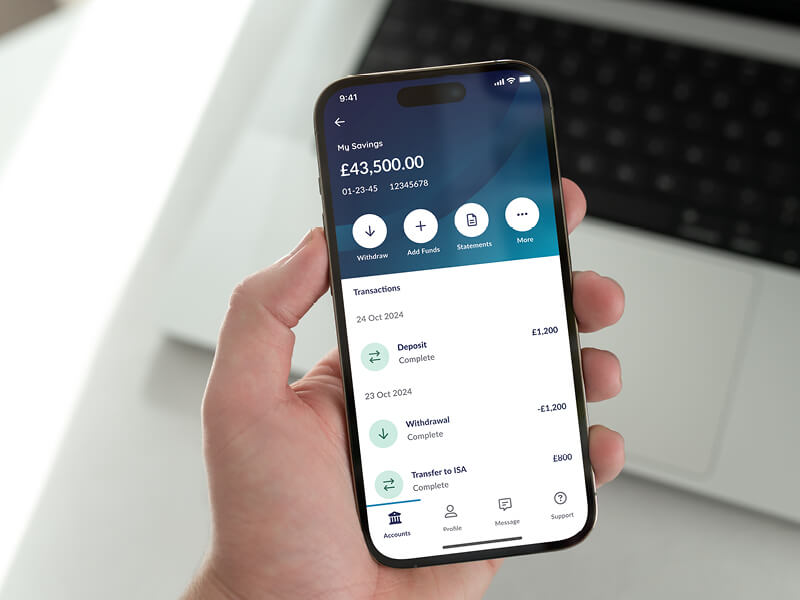
Our new Savings Mobile App is now available for you to download in the App Store and on Google Play.
Getting started is simple!
Scan here
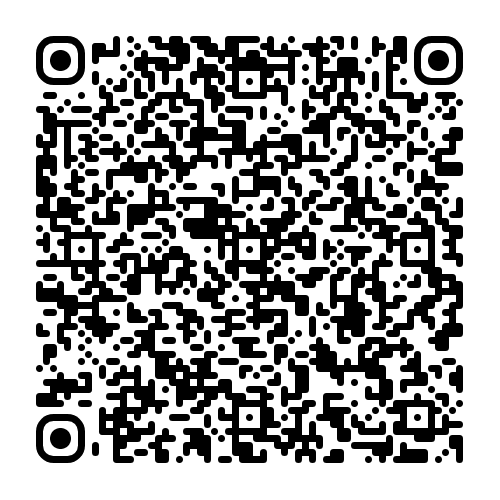
Open the camera on your device and scan the QR code.
Alternatively, select App Store or Google Play using the buttons here.


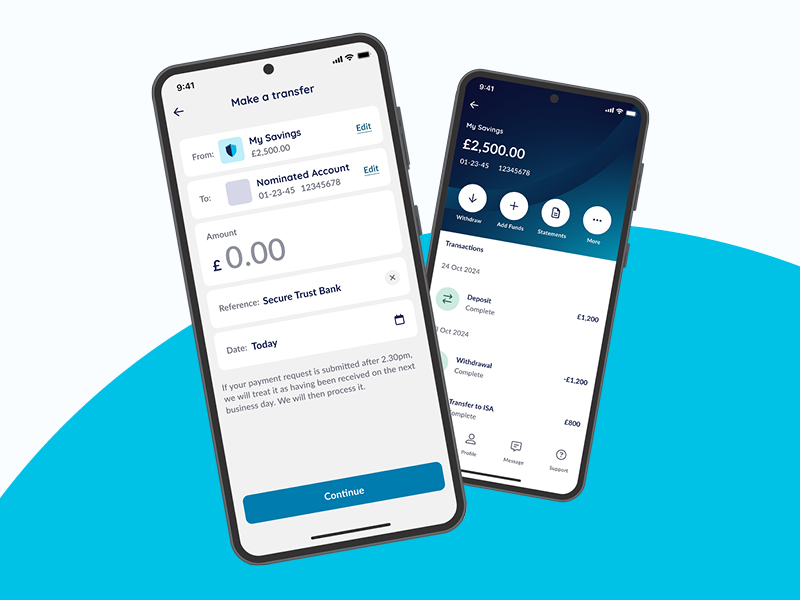
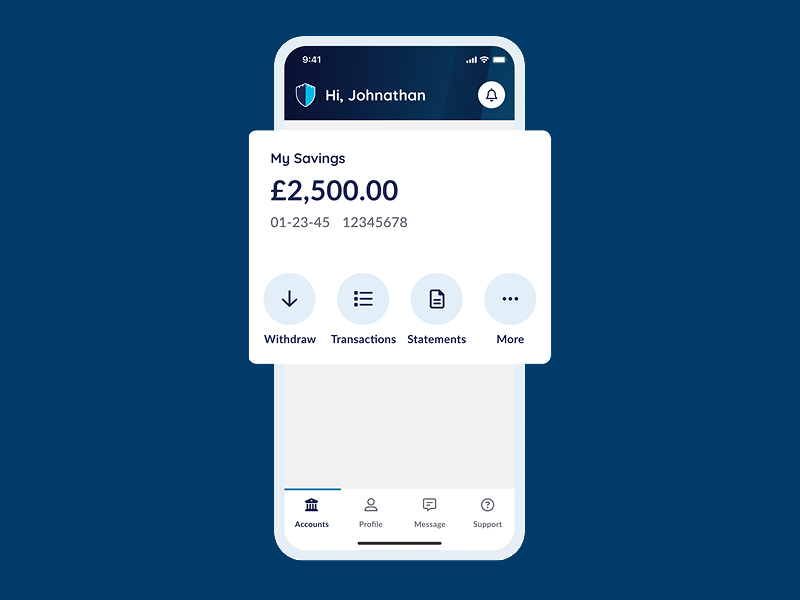
From the App you can:
- Log on quickly and securely with biometrics
- Check your balances and current interest rates
- View your recent transactions
- Make and authorise payments (Subject to specific account type)
- View statements
- View Interest Certificates
- Send us a Secure App Message
How does our app compare to Internet Banking?
| Actions | Mobile App | Internet Banking |
|---|---|---|
| Account | ||
| Make a transfer from an Access Account or Notice Account to your Nominated Account |  |
|
| Make an internal transfer between your accounts (where permitted) | |
|
| View Transactions | |
|
| View Account Details | |
|
| View and Download Statements | |
|
| View and Download Certificates of Interest | |
|
| Secure Messages | ||
| Send and Receive Secure messages | |
|
| Joint accounts | ||
| Request and approve joint account transactions | |
|
| Account management | ||
| Close your account | |
|
| Apply for a new account |  |
|
| Change Contact details | |
|
| Change your password | |
|
| Change your Nominated Account | |
|
Before you log in
You must be registered for Internet Banking and have an account with us to log in to the App.
How to register Savings accounts
You also need to have an up-to-date mobile number registered on your account.
You will need your existing Membership ID and Password to log into our App for the first time.
Tell us what you think
Please let us know what you think by emailing appfeedback@securetrustbank.co.uk. We will use your feedback to help ensure a great customer experience for all our Savings customers.
Google Play is a trademark of Google LLC.